
WhatsApp and email messages, reminders and sale alerts
Every message MJX Events sends — tickets on WhatsApp and email, reminders, thank-you and rating, checkout nudge, waitlist, announcements and your sale alerts.
MJX Events sends the messages around your event for you, by email and on WhatsApp from MJX's own WhatsApp number. You don't write or send them by hand.
#Messages to buyers
| Message | When | Channel | Plans (by default) |
|---|---|---|---|
| Ticket PDF | Right after an online booking (paid or free) | Email + WhatsApp | All. On Free, WhatsApp only when there is no email |
| Ticket PDF for a counter sale | When you or a seller record the sale with the buyer's mobile and/or email | WhatsApp (mobile), email (email) | All |
| Reminder | Within 24 hours of the start, and within 2 hours | Email (+ WhatsApp) | Plus, Pro |
| Unfinished checkout nudge | Once, 30 min–6 h after an unpaid order ran out, if still on sale and not bought since | Email or WhatsApp | Plus, Pro |
| Waitlist open | When seats free up on a sold-out event | Email or WhatsApp | All |
| Thank-you + 1–5 rating | 3–48 hours after the end, to buyers who came in | Email (+ WhatsApp) | All |
| Announcement | When you send one from Sell more (Pro) | Email (+ WhatsApp) | Pro |
| Ticket passed on | When a buyer gives a ticket to someone | WhatsApp + email | Pro |
Reminders also go to counter buyers who gave an email. Every announcement email has an unsubscribe link.
#Sign-in codes
Organizers, team members and sellers sign in with a 6-digit code sent on WhatsApp and by email. Gate staff use the scanner PIN instead.
#Sale alerts for you
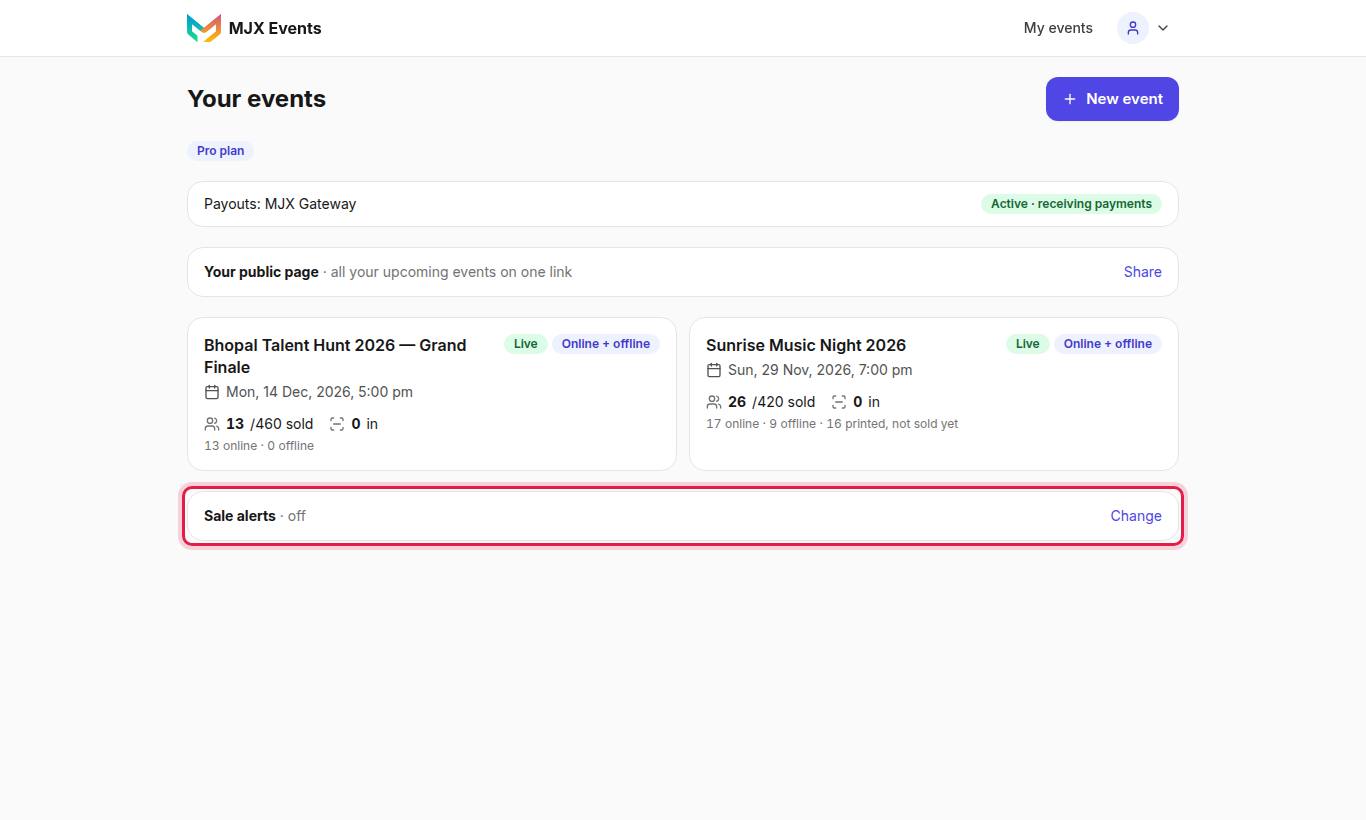
| Switch | What you get |
|---|---|
| App notification on each sale | "On your phone with the MJX Events app: every online booking at once; counter sales (you, your sellers, the gate) grouped every 5 minutes." |
| Sales email every night | "Around 10 pm, on days with sales: tickets and money per event, online and counter." |
Both are on by default and only the owner can change them.
#Account and money emails
- Your welcome email and receipt at sign-up
- Expiry warnings 7 days and 1 day before your plan ends
- Each GST invoice, with the PDF attached
#Questions people ask
Do I have to send tickets myself?
No. Tickets go out by themselves after each online booking, and after a counter sale when you type the buyer's mobile or email.
Why didn't a Free plan buyer get the ticket on WhatsApp?
On Free (by default), ticket PDFs go by email only — WhatsApp is used only when the buyer gave no email. Plus and Pro send both.
How do I stop the nightly sales email?
On your dashboard, open Sale alerts → Change and switch off Sales email every night.