
Find and book event tickets
Find events on MJX Events, choose ticket types, couple and family passes or day passes, pick seats and book in a few taps.
On MJX Events every event has its own booking page. You open it from the organizer's link or find it on the public event lists, pick your tickets and fill in three details.
#Where to find events
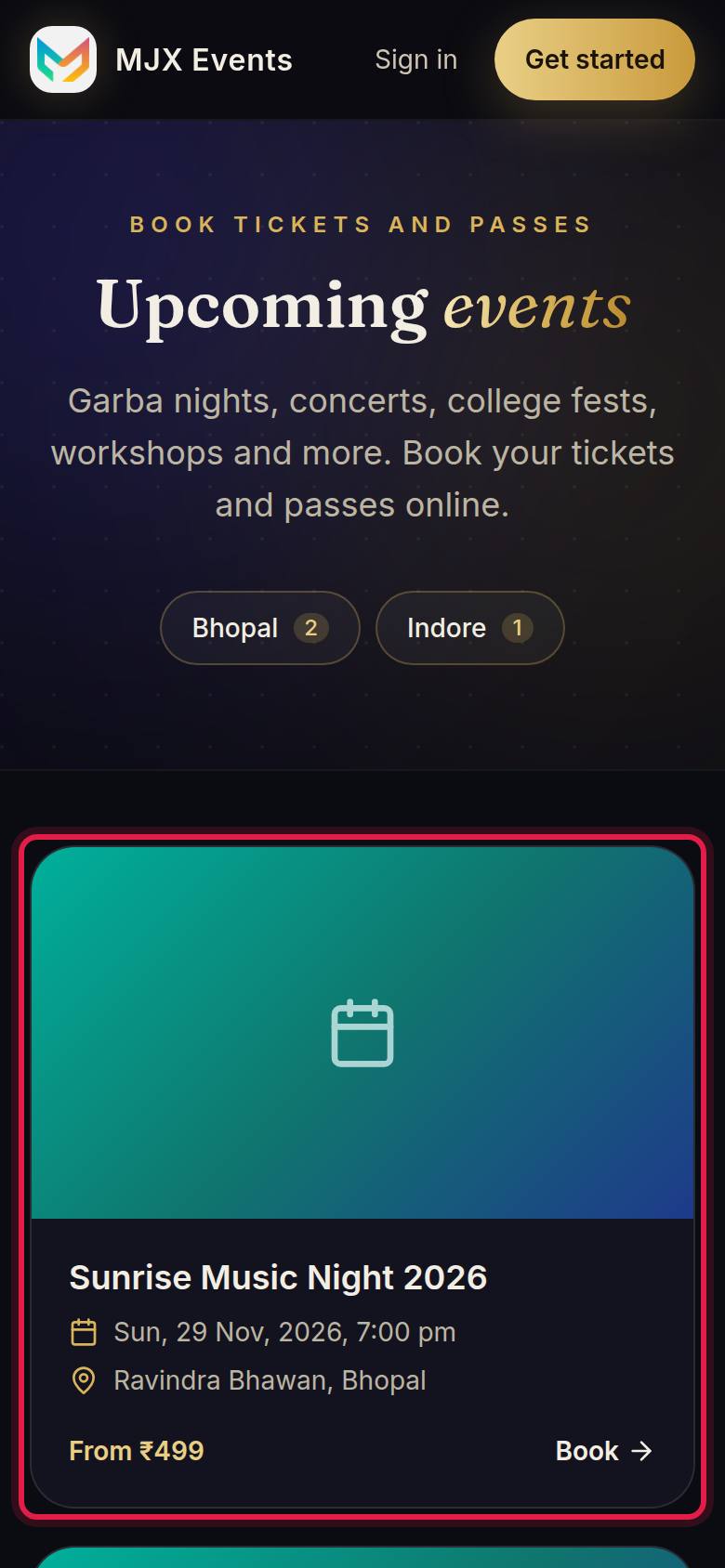
- The organizer's link — shared on WhatsApp, Instagram or a poster with a "Scan to book" QR.
- Events — upcoming events open for booking, with Events in [city] pages.
- The organizer's page — on an event page, tap the name under Organised by, then All their events.
- Your AI assistant — with Ask MJX connected, ask Claude, ChatGPT or another AI app in plain words ("find a water park near Surat for Sunday") and it gives you the booking link. See Ask MJX.
#What is on an event page?
- The date with an Add to calendar choice (Google Calendar or Apple / Outlook), the venue with Open in Maps, and the description.
- Tickets — each type with its price, "Only N left" when few remain, and "Sold out".
- Badges such as Early bird ("Save ₹…", "Offer ends …", "N left at this price" or "Last day at this price").
- Photos and videos, and Past events by [organizer].
#Ticket types explained
| You see | It means |
|---|---|
| "admits N people (one QR each)" | A couple, family or group ticket. Each person gets their own QR. |
| "Valid on …" | A day pass for a multi-day event: one entry on each day shown, with the same QR. |
| "Choose seats (or get the best available)" | The ticket has reserved seats. Pick your seats on the map, or leave it to get the best seats side by side. |
| "Available offline" | Sold only at the counter or by the organizer, not online. |
#How to book
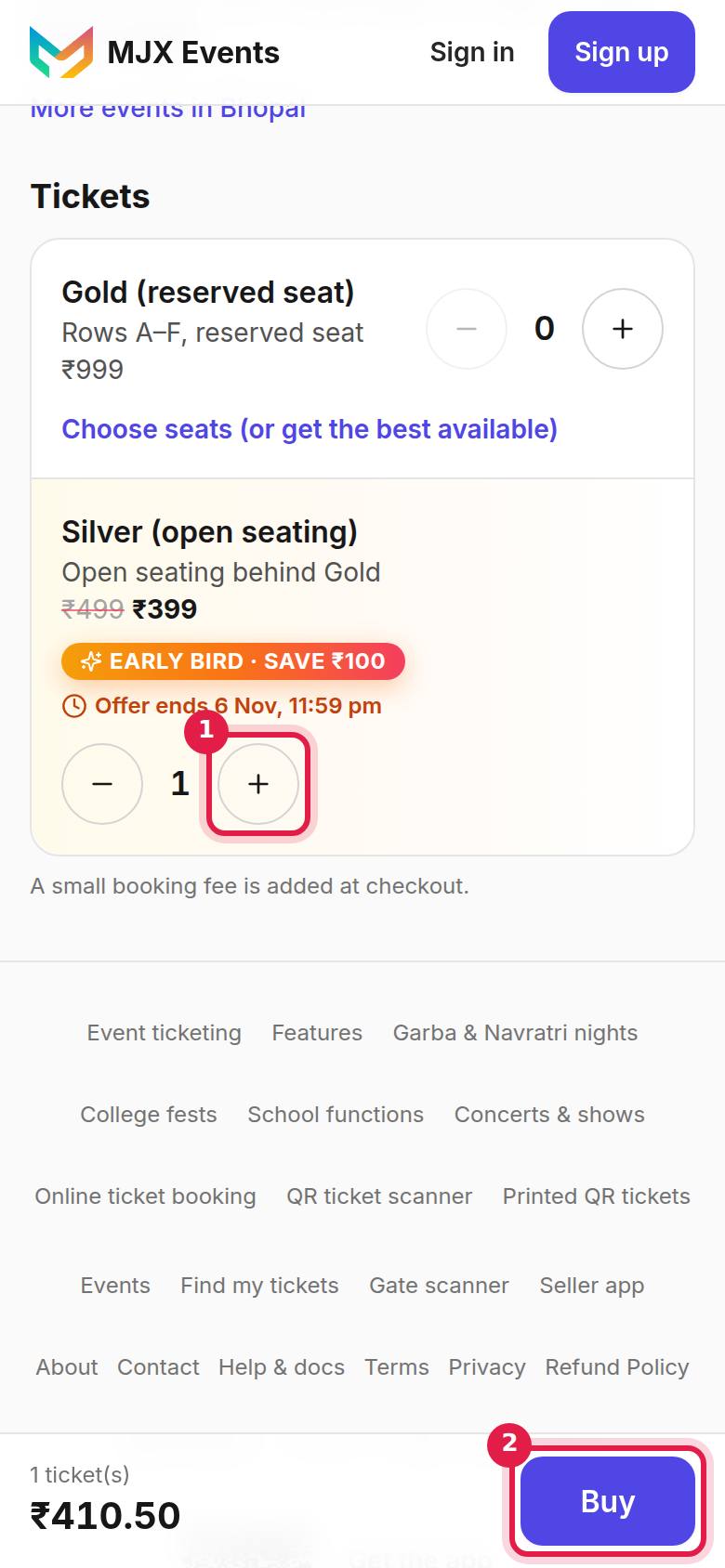
- Under Tickets, choose how many of each ticket type you want, then tap Buy (Get passes on a free event).
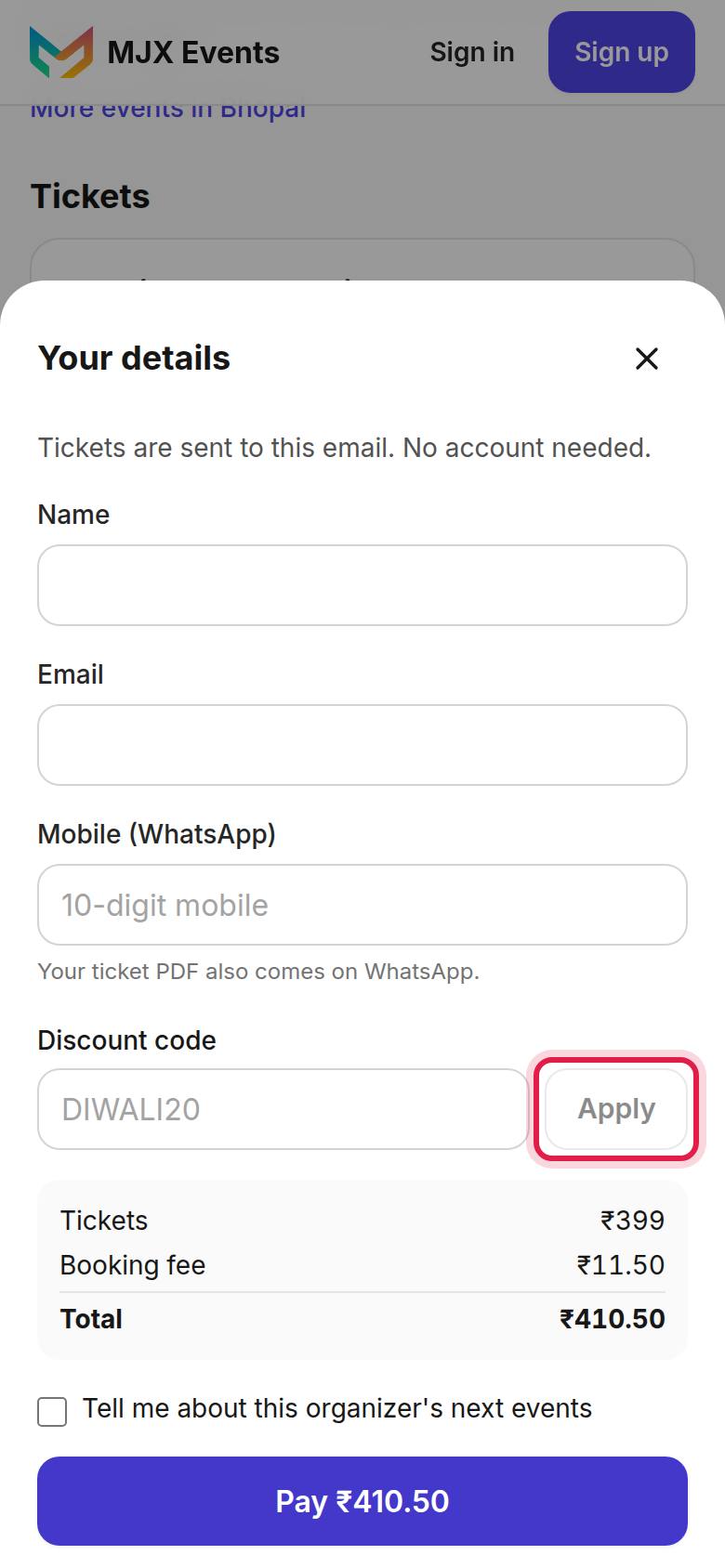
- Under Your details fill in Name, Email and Mobile (WhatsApp). "Your ticket PDF also comes on WhatsApp."
- If the event asks, fill in Name of each person and A few questions.
- Have a Discount code? Type it and tap Apply. The total updates at once.
- Tick "Tell me about this organizer's next events" if you want to hear about their future events.
- Check the total and tap Pay ₹… (or Get my passes for a free event). See Pay for tickets.
#Messages you may see
| Message | Meaning |
|---|---|
| "Sales are closed for this event." | The organizer closed sales, or the event date has passed. |
| "Tickets for this event are sold offline, at the counter or by the organizer. Online booking is not available." | Buy at the counter. |
| "Tickets for this event are not on sale right now." | The organizer has paused sales. |
| "You can buy up to 10 … tickets per order." | Split a bigger booking into two orders. |
| "Enter the name of each of the N people." | The organizer needs one name per QR. |
| "This code has been used up." | The discount code has reached its limit. |
| "Row B · Seat 5 was just taken. Pick another seat." | Someone booked that seat a moment ago. |
Sold out? See Waitlist and reminders.
#Questions people ask
How many tickets can I book at once?
Up to 10 of each ticket type in one order.
What does "admits 4 people" mean?
It is a group ticket. Booked online, it comes as one QR per person, so each person can arrive separately.
The page says "Tickets for this event are sold offline". Can I still go?
Yes, but you buy the ticket at the counter or from the organizer, not online.
How long are my tickets held while I pay?
10 minutes. If you pay after that you still get your tickets.