
Quickstart for organizers
Sign up, create your first event, publish it, share the booking link and scan the first ticket at the gate — step by step.
This guide takes you from no account to a live event and your first scanned ticket. In MJX Events the whole set-up runs from your phone or computer.
#Create your organizer account
Open Sign up. Under 1. Pick your plan, choose Free, Plus or Pro. Under 2. Your details, fill in Your name, Email, your mobile and, if you like, Organisation / brand (optional) and City (optional).
Tap Send code next to the mobile and type the 6-digit code from WhatsApp. Then create the account (for Plus or Pro you pay in the payment window). You are signed in straight away.
#Sign in next time
Open Sign in. Choose Mobile or Email, tap Send me a code and type the 6-digit code. It comes on WhatsApp and by email.
#Create your event
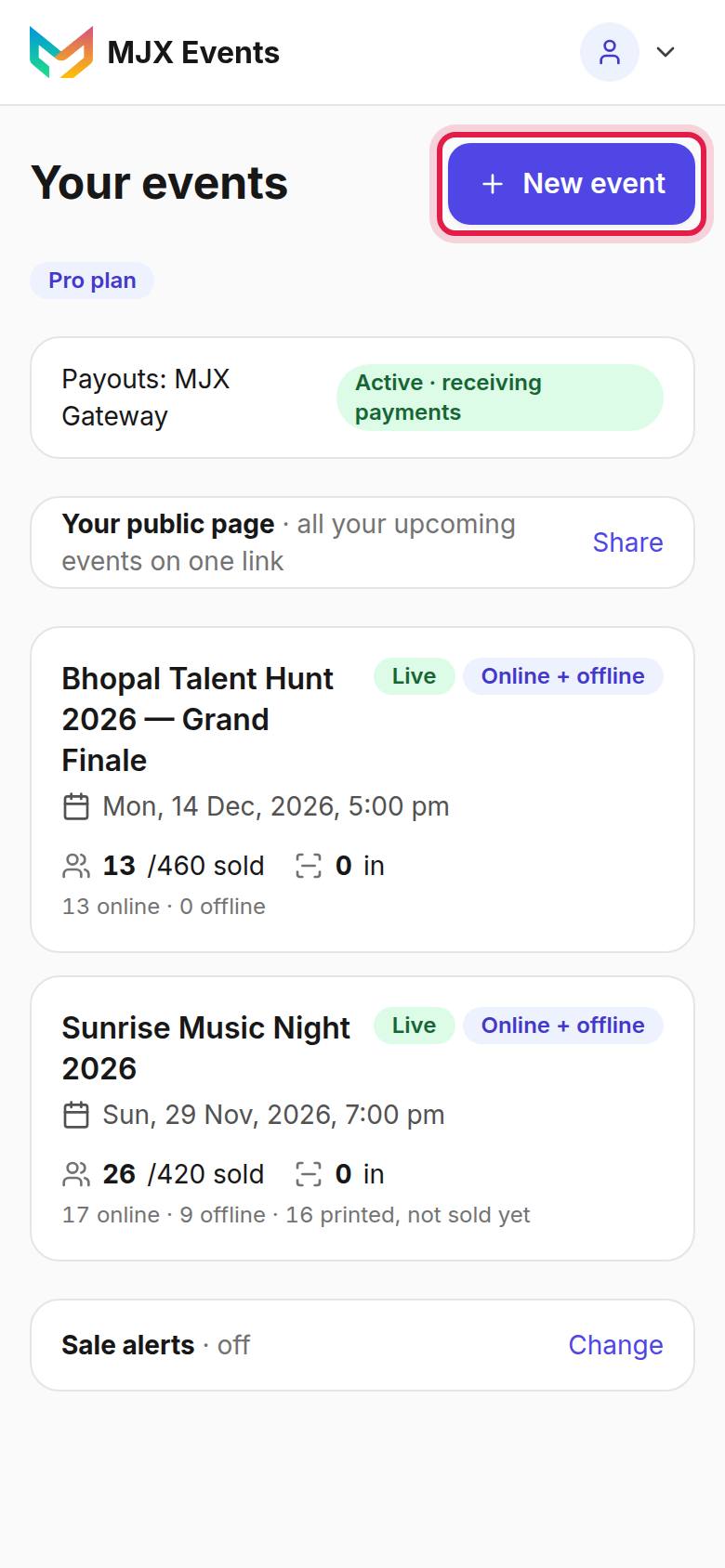
On Your events tap New event. Under What's the event called? type its name and tap Continue. Setup opens on a draft with one free "General" ticket type.
#Fill in Setup
Open each section by tapping it. Changes save by themselves — there is no Save button.
- Basics — Event title, Starts (IST), Ends (optional), Venue, City, Cover image (optional), Description and Where do you sell tickets? (Online / Offline).
- Tickets — name, Price ₹ (0 = free), Quantity and People per ticket for each type.
See Create an event and Ticket types and prices.
#Add your bank account (paid events only)
Tap Set up payouts or open Get paid from the account menu. Fill in the payout details and your bank account. See Get paid.
#Publish
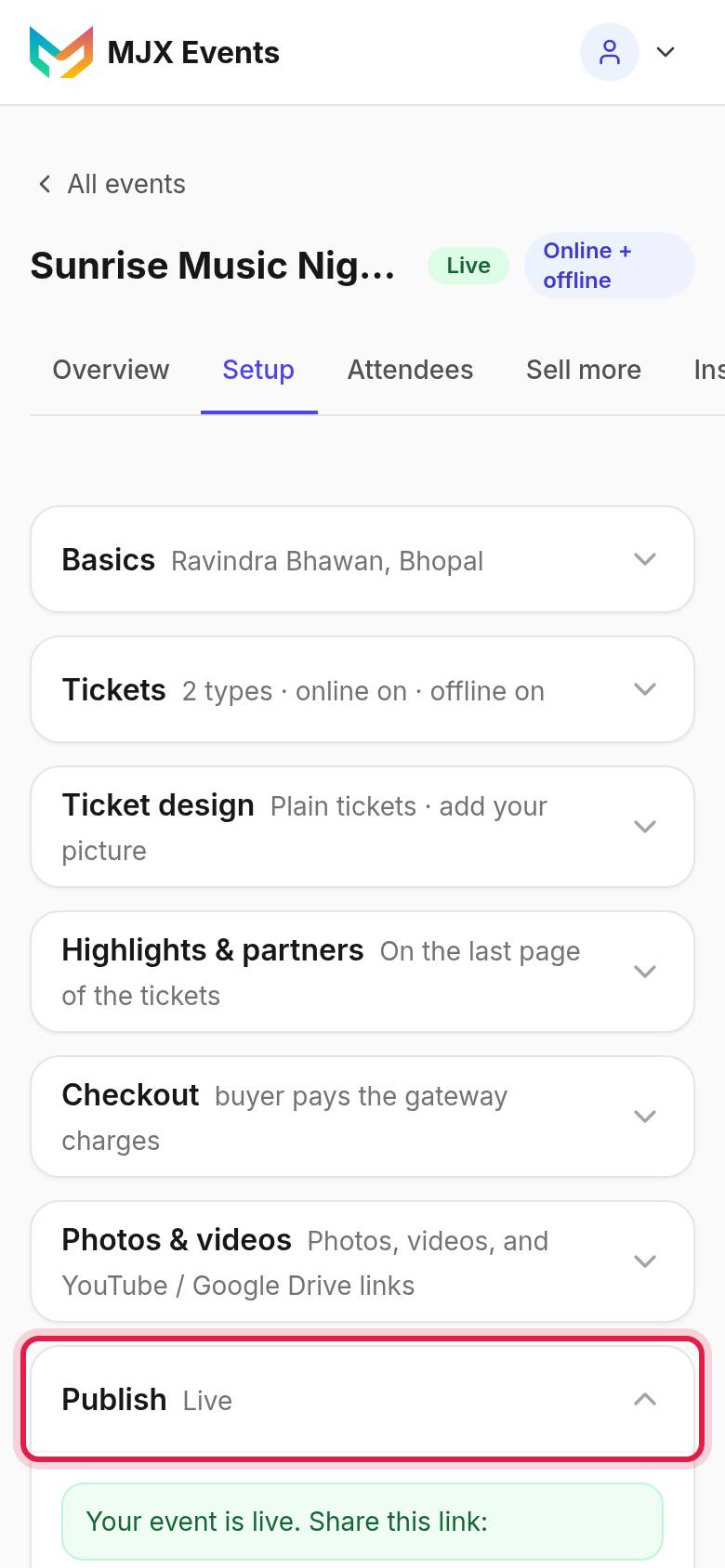
In Setup → Publish, tap Publish event. You will see "Your event is live. Share this link:".
#Share the link
Copy the link, or share it on WhatsApp. On the Overview tab you can also make a poster for WhatsApp Status. See Event page and sharing.
#Set up the gate
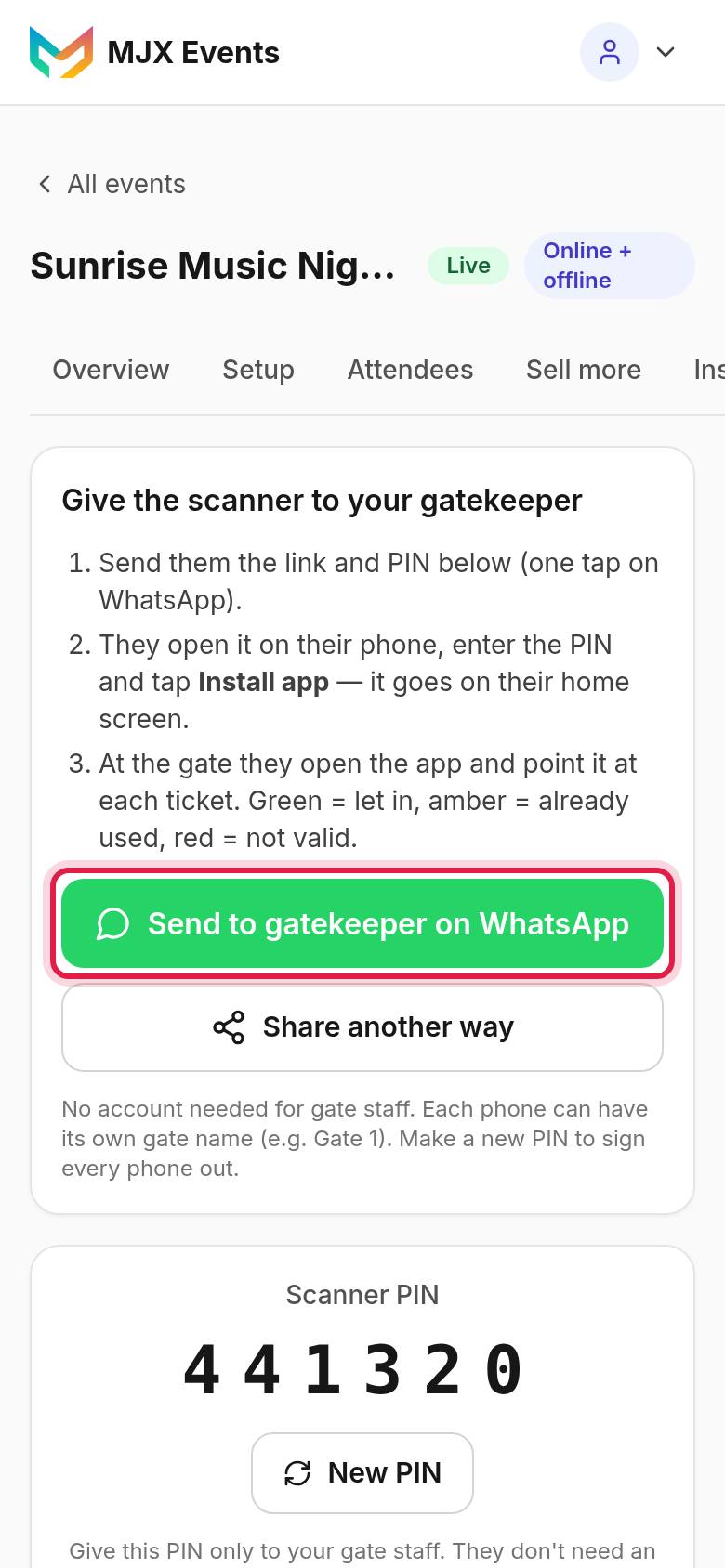
Open the event's Scanner tab. Send the scanner link and Scanner PIN to your gatekeeper with Send to gatekeeper on WhatsApp. They open it, type the PIN and scan. See Check-in and scanning.
#What next?
- Sell printed tickets through shops: Printed tickets and Sellers
- Follow your money: Payouts and settlements
- Add your team (Pro): Team members
#Questions people ask
How long does it take to create an event?
About 3 minutes for the name, date, venue and ticket types. Photos, description and extras can be added later in Setup.
Do I need bank details before I publish?
Only for paid online tickets. A free event, or an event that sells offline only, can be published without them.
Why can't I sign up with my email?
Temporary or throwaway email addresses are refused. Use your own email, because you sign in with it.