
My tickets — your QR ticket, PDF and passing a ticket on
Where your MJX Events tickets are, how to show the QR at entry, find lost tickets, add the event to your calendar and give a ticket to someone else.
Your MJX Events tickets live in three places: the order page that opened after you paid, the ticket email (with a PDF), and — on most events — the same PDF on WhatsApp.
#How to show your ticket at entry
Open any of them and show the QR. "Show the QR at entry. Each QR works once — don't share it." Under each QR there is a short code; if the QR is damaged, the gate can type it.
- Couple and family tickets come as "one QR per person". "Forward each person their own QR; they can arrive separately."
- Day passes use "the same QR on each day": "keep this email, it gets you in once every day it shows."
- Seated tickets show the seat, for example "Row B · Seat 4".
#Buttons on the order page
| Button | What it does |
|---|---|
| Save PDF | Downloads the ticket PDF |
| Add to phone / Add to home screen | Keeps your tickets one tap away |
| Add to calendar | Google Calendar, or an .ics file for Apple / Outlook |
| Share on WhatsApp | "Tell your friends you're going — a picture for your WhatsApp Status with a QR to book." |
| Give this ticket to someone | Pass one ticket on (when the organizer allows it) |
#How to find your tickets again
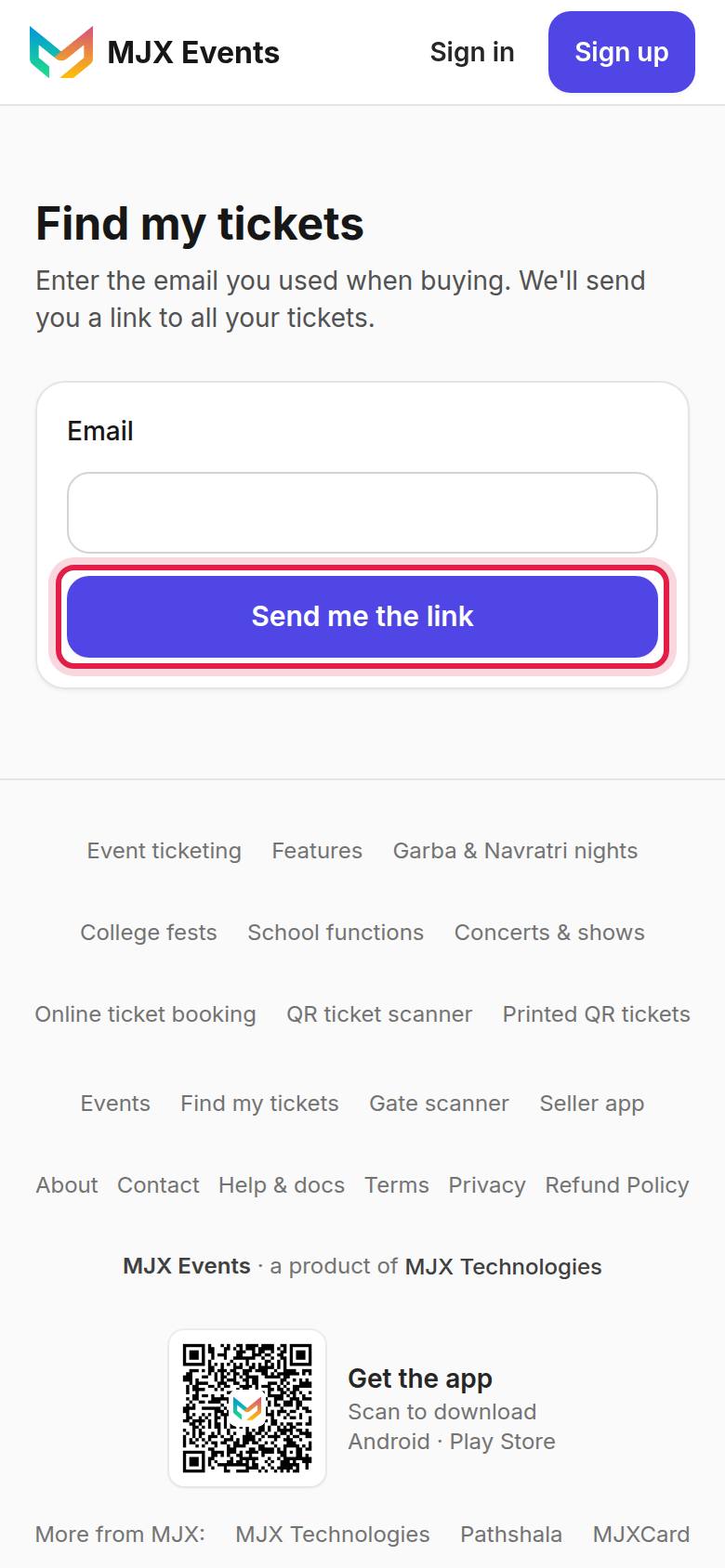
- Open Find my tickets.
- Enter the email you used when buying and send.
- Open the link in your email: it shows every ticket bought with that email ("This link works for 24 hours").
If the link expired: "This link has expired or is not valid." Tap Get a new link.
#How to give a ticket to someone else
Available only when the organizer has switched it on for the event.
- On the order page, tap Give this ticket to someone under the ticket.
- Enter the person's name, mobile and (optionally) email. "They get a new QR on WhatsApp and email. This QR stops working. A ticket can be passed on once."
- Tap Send.
Rules: only before the event, only once per ticket, and only if nobody has entered on it yet.
#Ticket statuses
| You see | Meaning |
|---|---|
| "Used at [time]" | Scanned at the gate |
| "This ticket was cancelled by the organizer." | It will be refused at the gate. Contact the organizer. |
| "Given to [name]" | You passed it on |
#Questions people ask
I booked a family ticket. Why do I have 4 QRs?
Online group tickets come as one QR per person. Forward each person their own QR; they can arrive separately.
Can I give my ticket to a friend?
Only if the organizer switched on ticket passing. Then the order page shows Give this ticket to someone. A ticket can be passed on once, before the event, if nobody has entered on it.
My multi-day pass has one QR. Is that right?
Yes. The same QR gets you in once on each day shown on the ticket.